

Couldn't find your phone? Have a question? Contact us
How to backup contacts from Zen 105 Fire
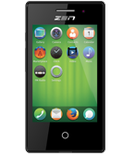
PhoneCopy.com supports hundreds of phone models, including Zen 105 Fire. This guide will show you how to use it to create a safe backup of your contacts in just a few minutes.
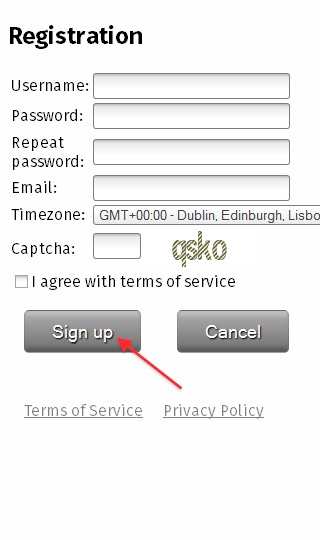
Download the PhoneCopy application from Firefox Marketplace. If you do not have a PhoneCopy account yet, press "Register new account" and create it by filling in "Registration" and then press "Sign up".
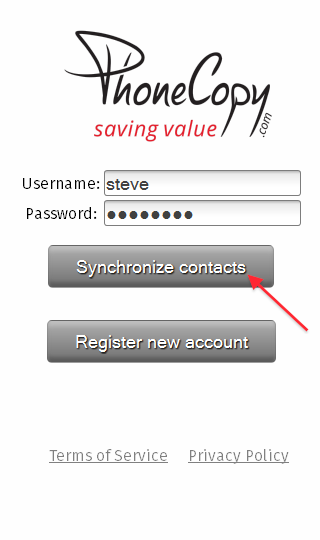
If you already have a PhoneCopy account, fill in your username and password. To export your contacts, press "Synchronize". Select synchronization direction.
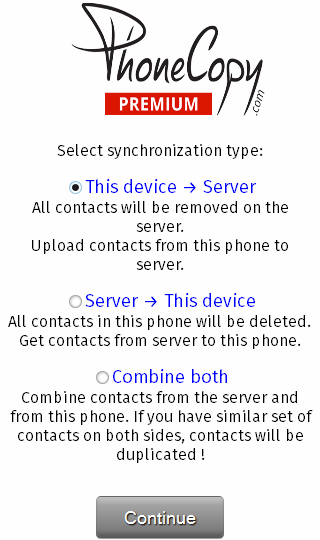
Your backup is now complete. Visit the PhoneCopy website to confirm that all your contacts were transferred correctly and to explore the other features your account offers.
Some additional tips:
PhoneCopy also supports syncing notes, calendar events, and SMS messages on many devices, not just contacts. Check the PhoneCopy website to see the full list of supported data types for your phone.