

How to backup contacts and sms messages from Samsung Galaxy S24 Ultra 5G sm-s928b
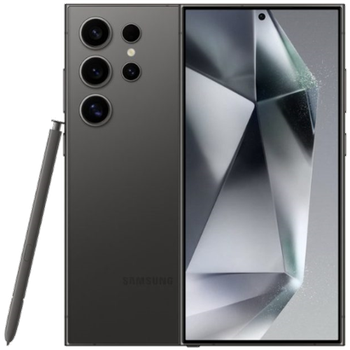
In this tutorial, we show you how to use PhoneCopy.com to safely back up the contacts stored on your Samsung Galaxy S24 Ultra 5G sm-s928b. The service is free for personal use and works directly from your phone.
Download PhoneCopy for Huawei from Huawei AppGallery to your Huawei phone, which you can download free of charge. After downloading and installation, go through the following steps.
Run the app and create new account. If you already have an account choose "sign on".
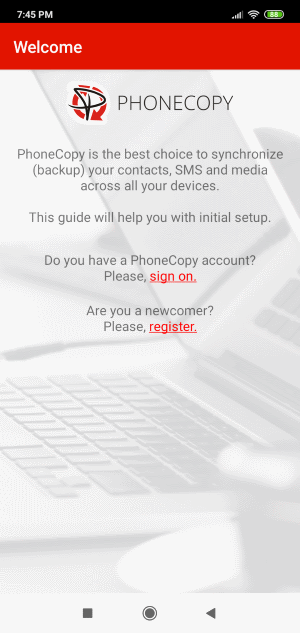
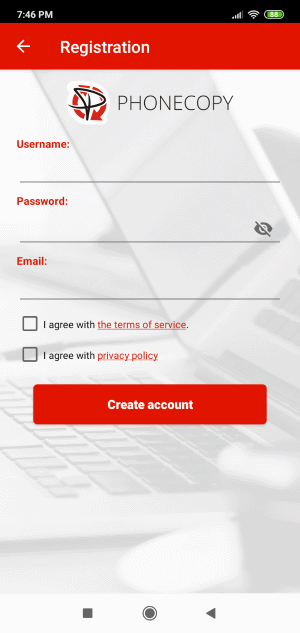
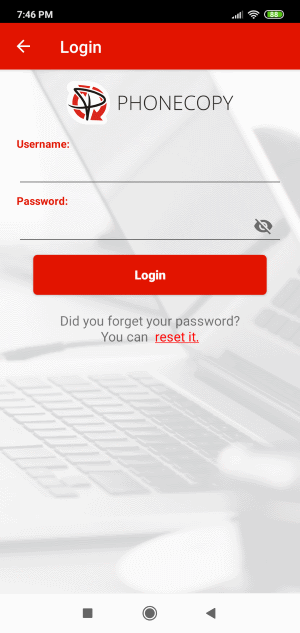
To allow correct functionality of PhoneCopy application we will kindly ask you to confirm access permissions for it.
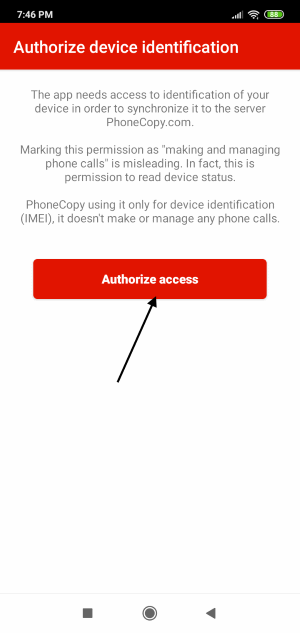
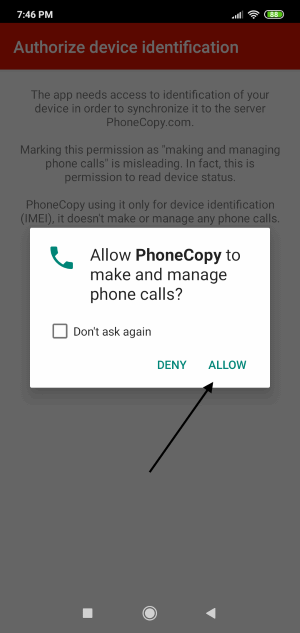
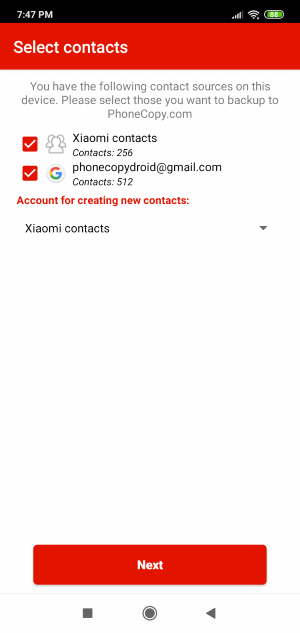
When you confirm access to contacts you can set which "contacts databases" you want to backup.
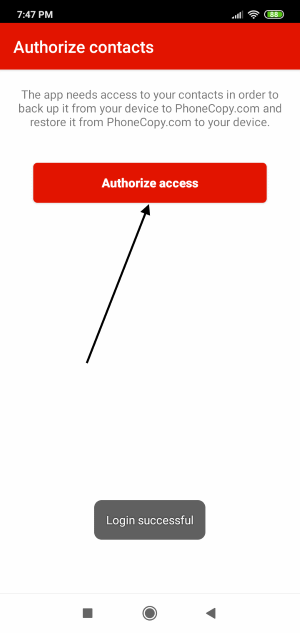
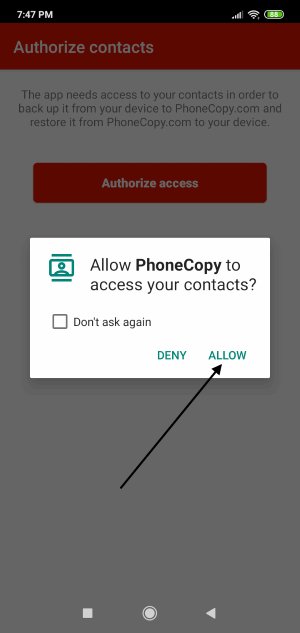
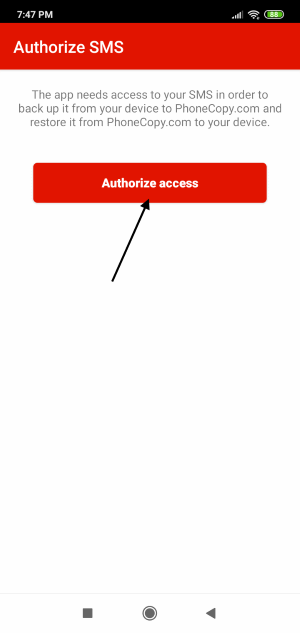
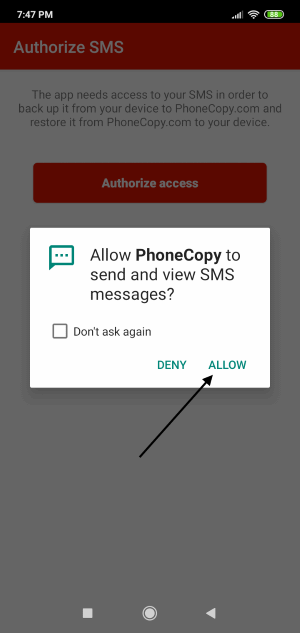
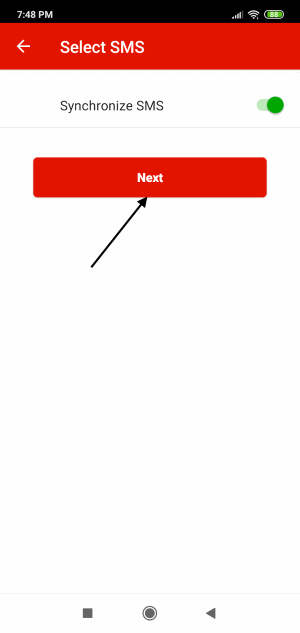
PhoneCopy allows to back up SMS too.
Then you can set up backup for media (photos and videos).
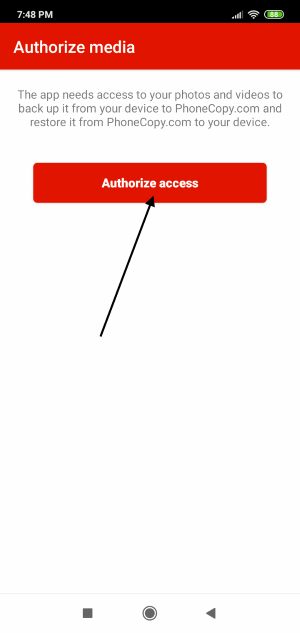
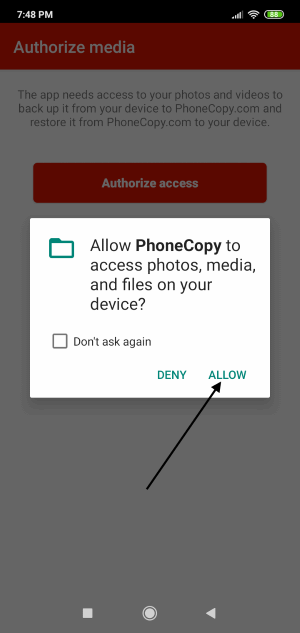
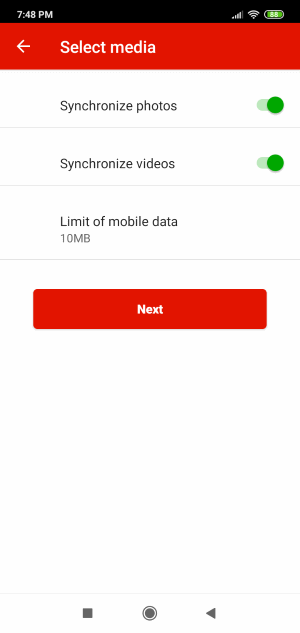
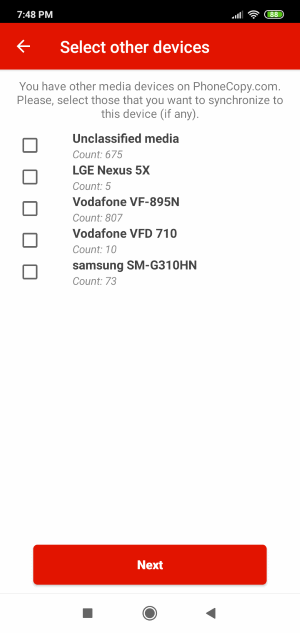
If you want download photos and videos from old phone (which was synchronized to PhoneCopy.com before) you can choose it in the next step. Then you can synchronize.
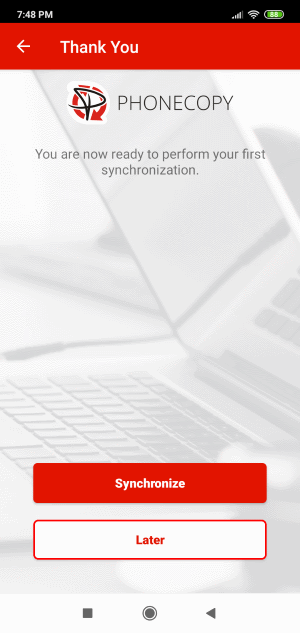
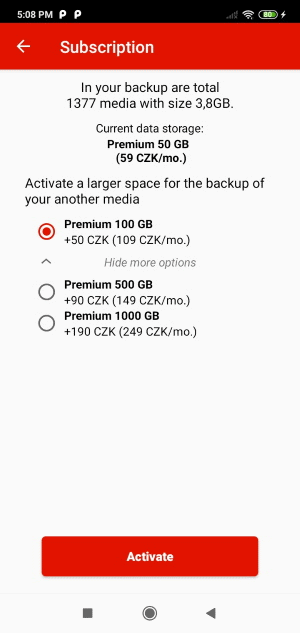
You can access all settings later by bottom menu of the application or by main menu. In case you exceed limits for a free account we recommend you to buy Premium
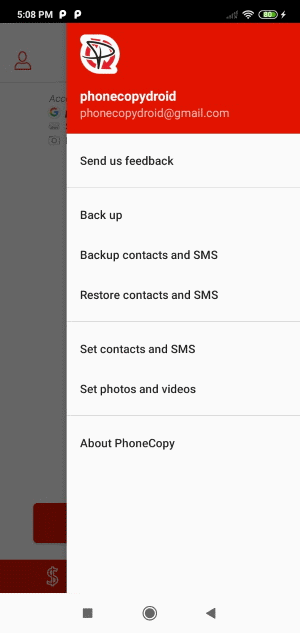
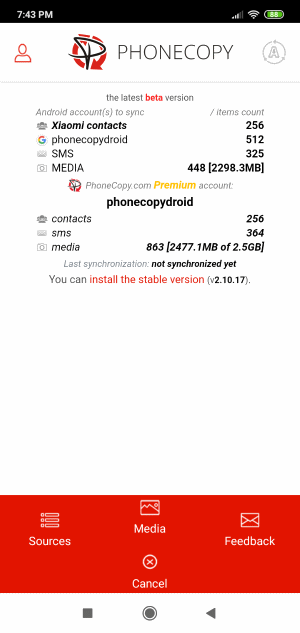
Your contacts are now safely stored in your PhoneCopy account. You can view and manage them online at any time, even if your phone is lost, damaged, or simply out of reach.
Some additional tips:
If the sync does not complete, make sure your phone has a stable internet connection and that background data is enabled for the PhoneCopy app. A brief pause and retry usually resolves the issue.