

How to backup contacts from Nokia Lumia 2520
PhoneCopy.com is a reliable way to keep your contacts safe. Follow this guide to learn how to back up your Nokia Lumia 2520 data quickly and without any technical knowledge.
You need an PC with an operating system Windows 8, 8.1 or 10 and application PhoneCopy for Windows 8. You can find it in "Windows Store" in "Productivity" section, or just follow this link.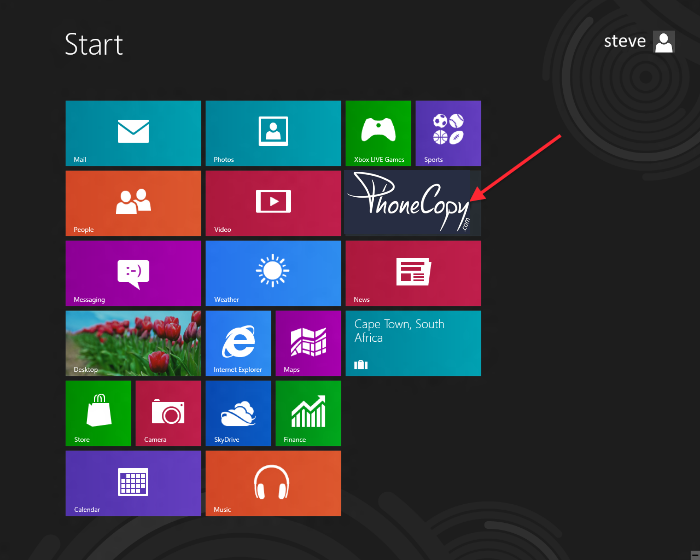
Synchronize contacts from your account on PhoneCopy to Windows 8
Open PhoneCopy application and read initial instructions.
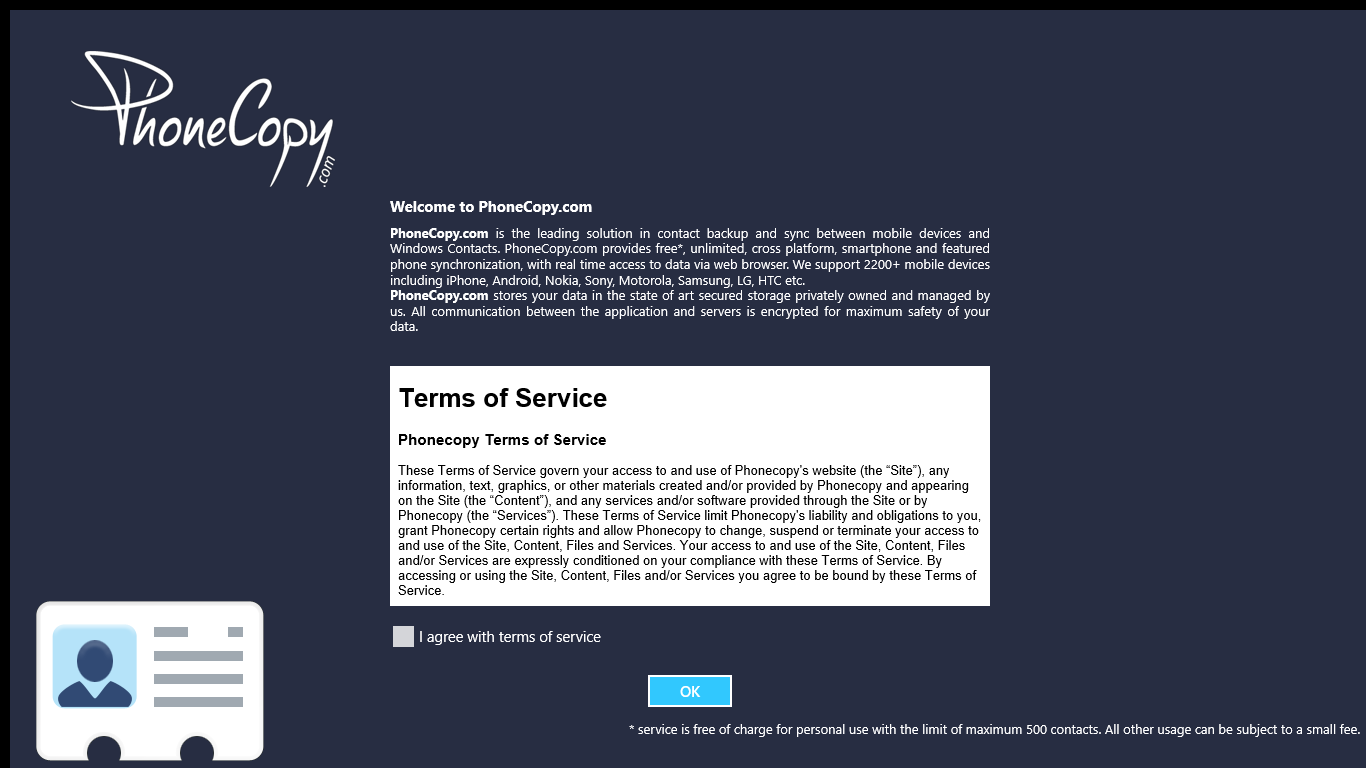
If you don't have an account on PhoneCopy.com, choose "Create new account". If you already have an account on PhoneCopy.com, choose "Use existing account".

When you create new account, you will see registration for. Fill all boxes and click to "Sign up".
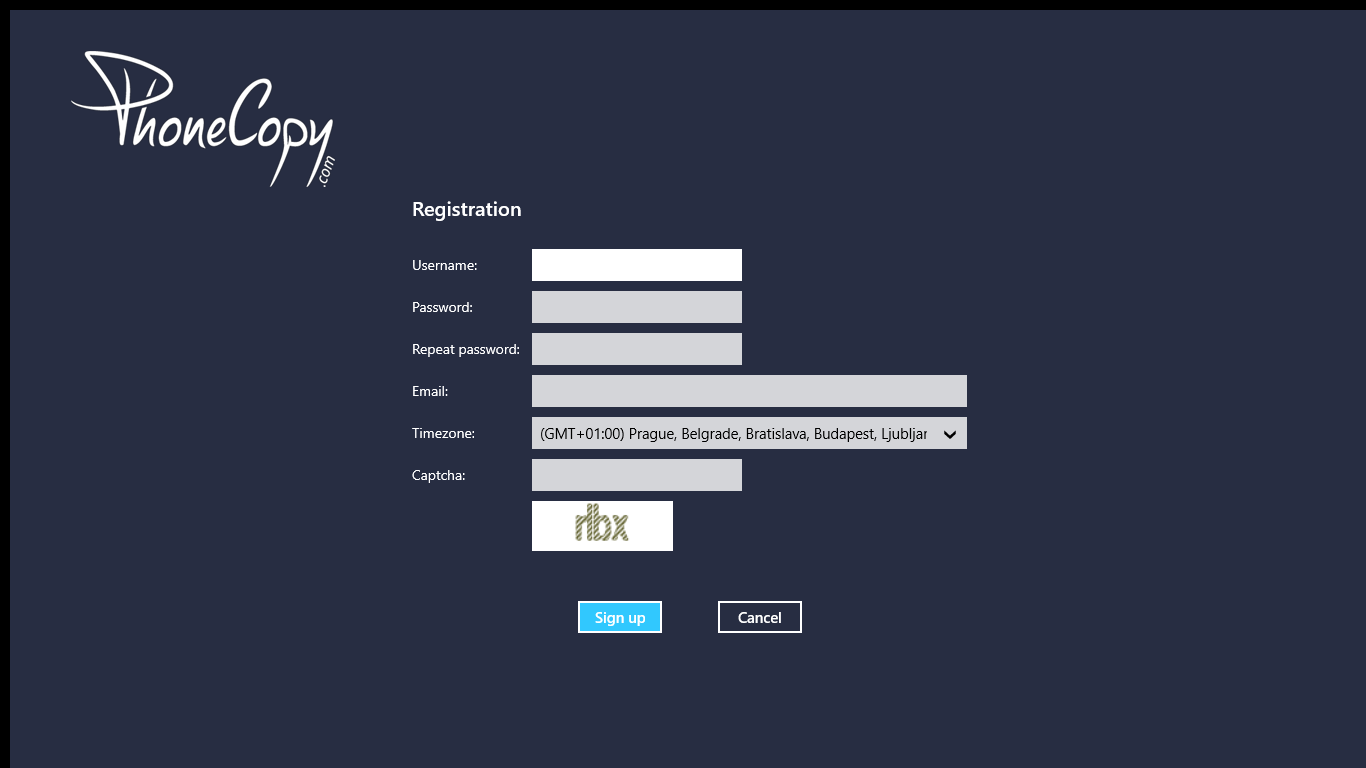
If you already have an account, fill your login credentials. "Pick folder" to select where will be your contacts stored.
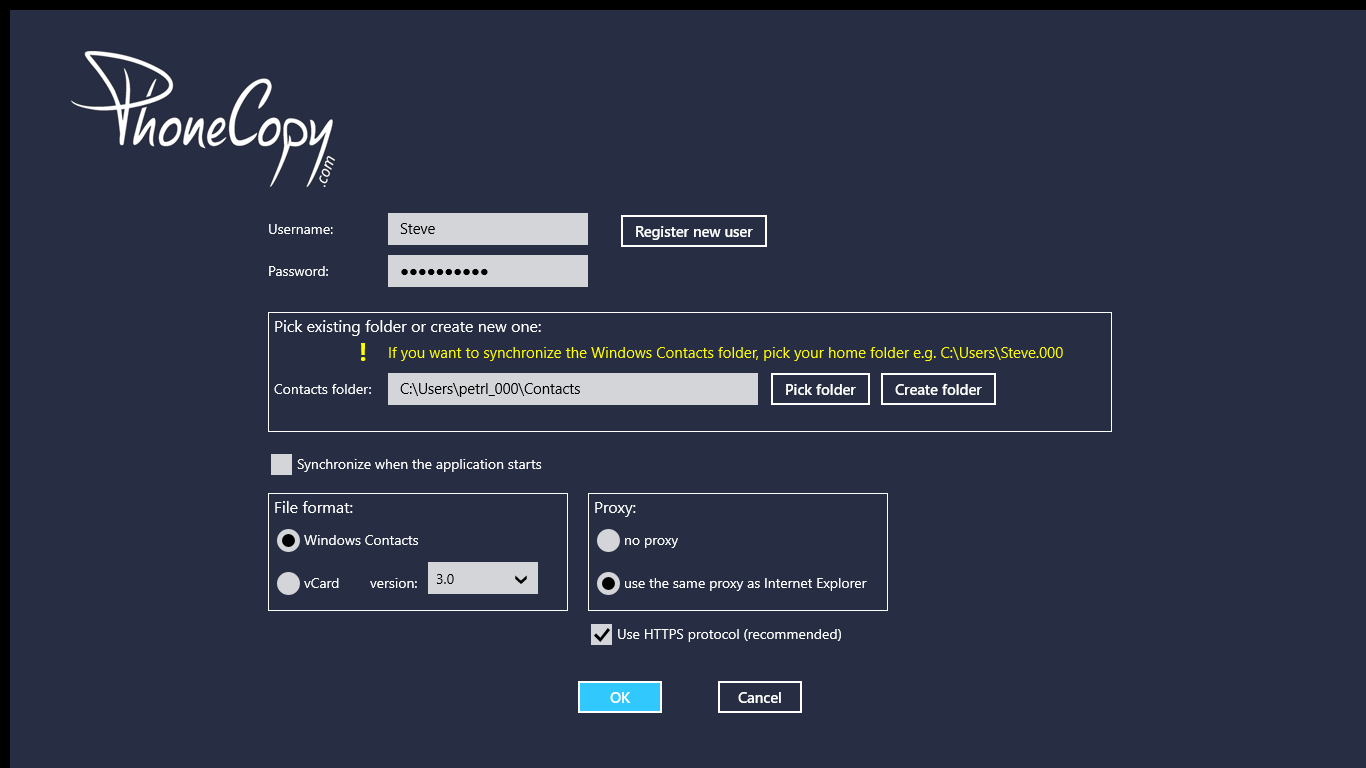
On next page start synchronization by pressing "Synchronize" button.
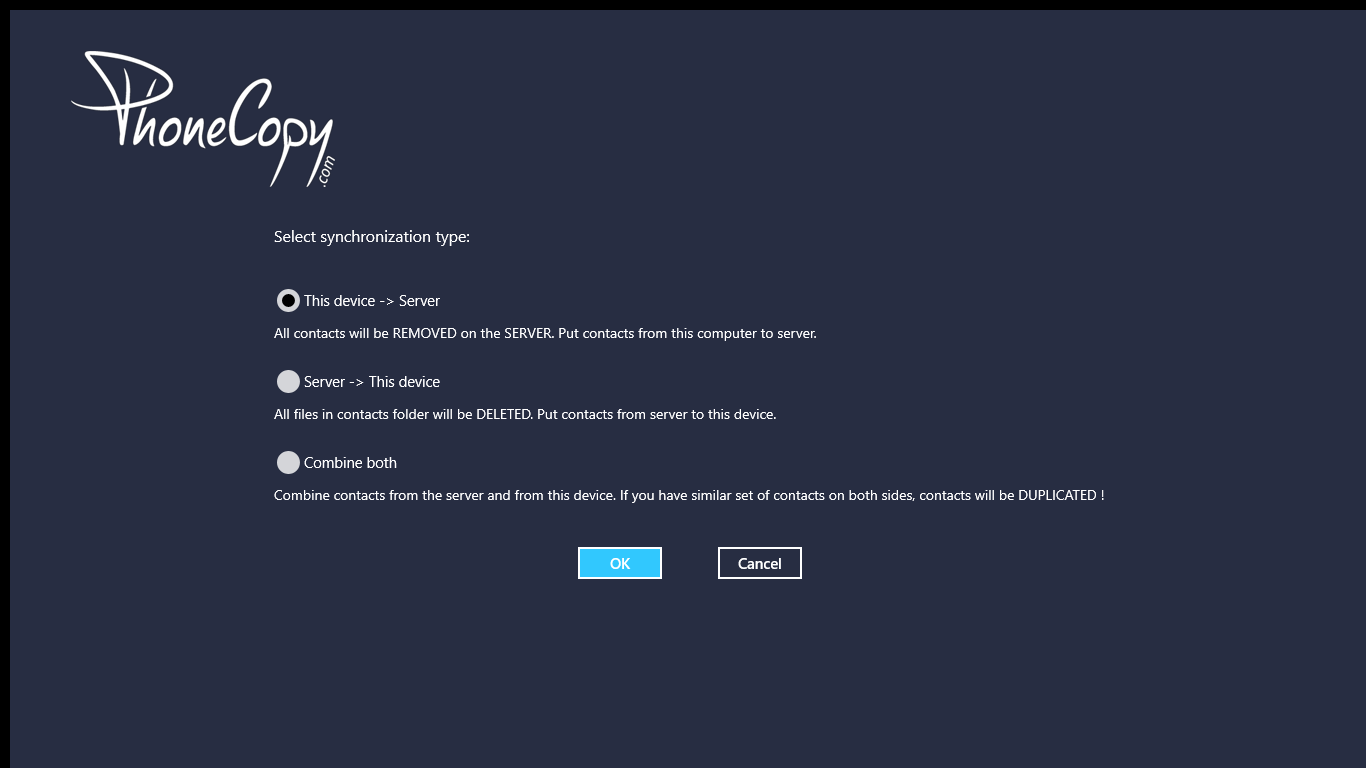
On first synchronization you will be asked for synchronization direction.
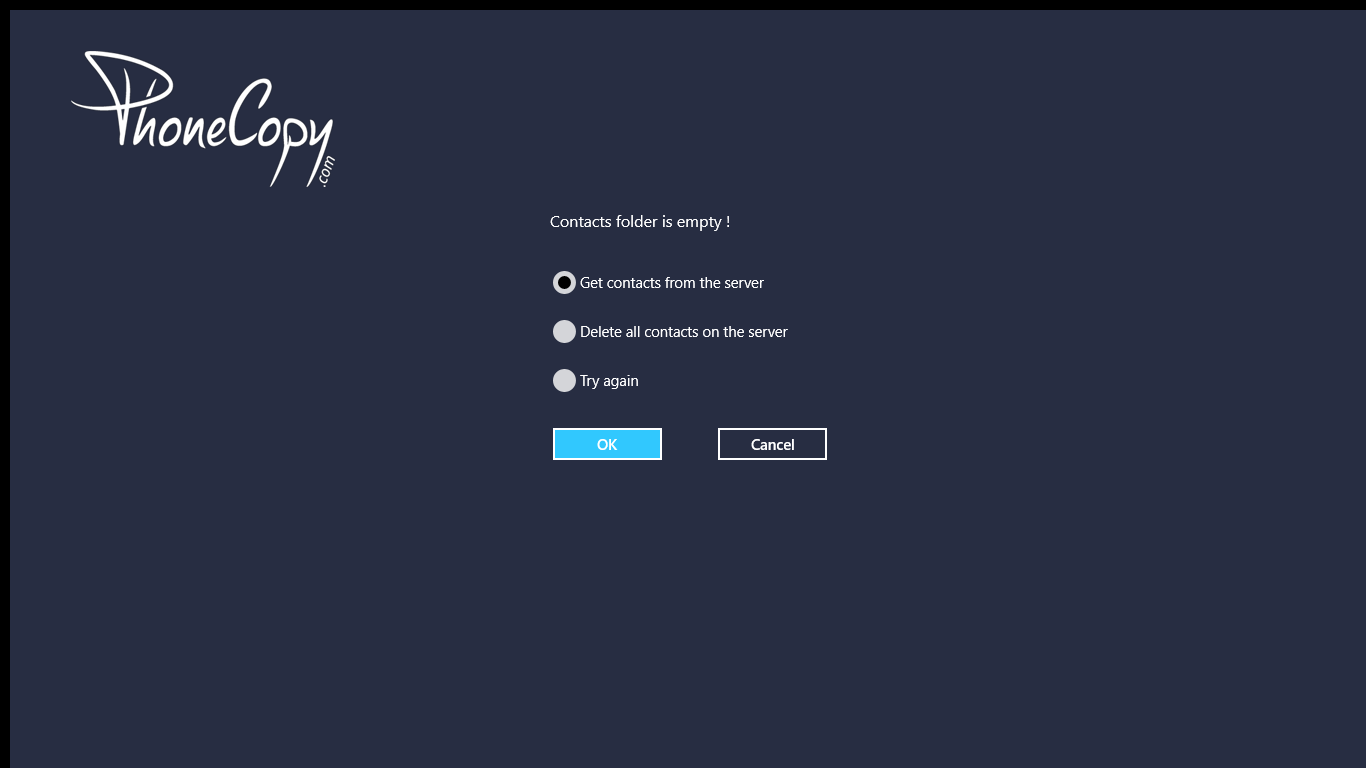
In case you don't have contact in selected source you will be noticed.
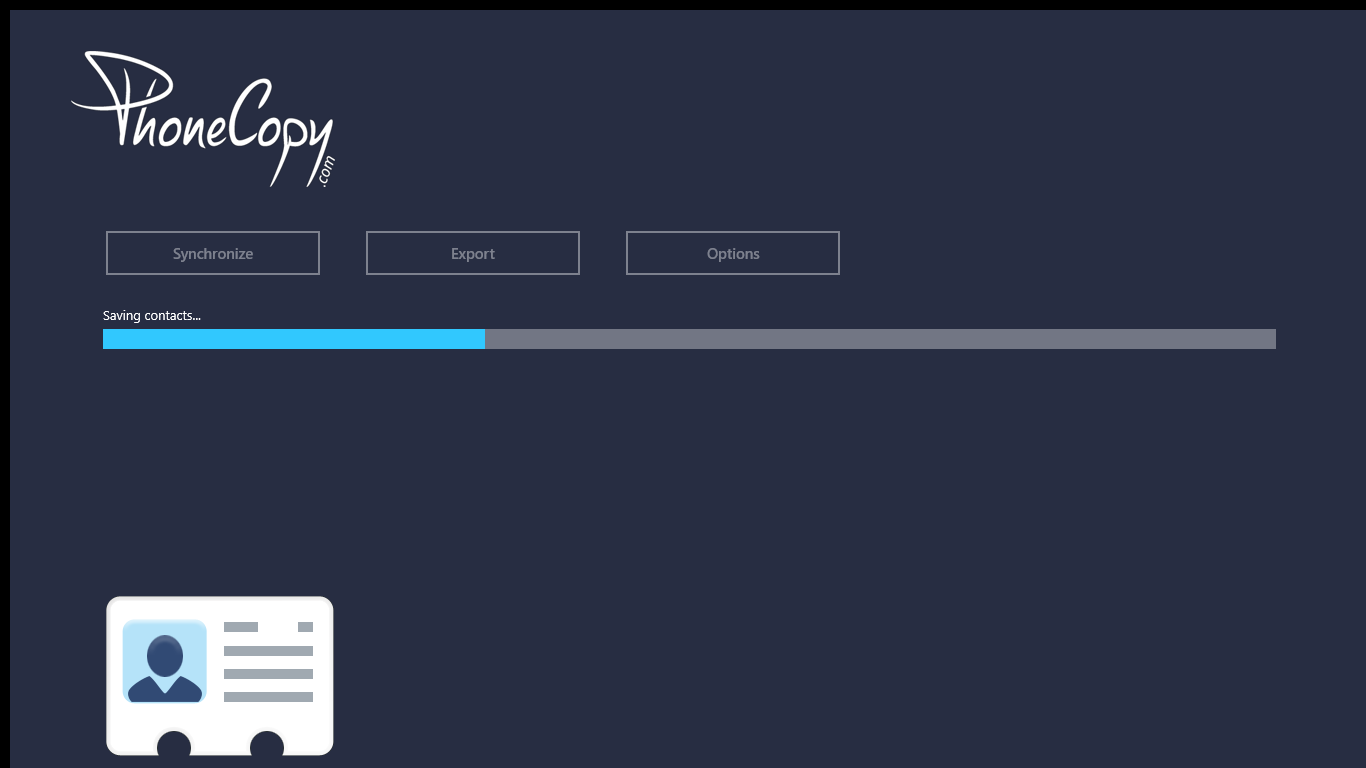
When you will add any contacts to selected directory you will see it synchronized to PhoneCopy after next sync.
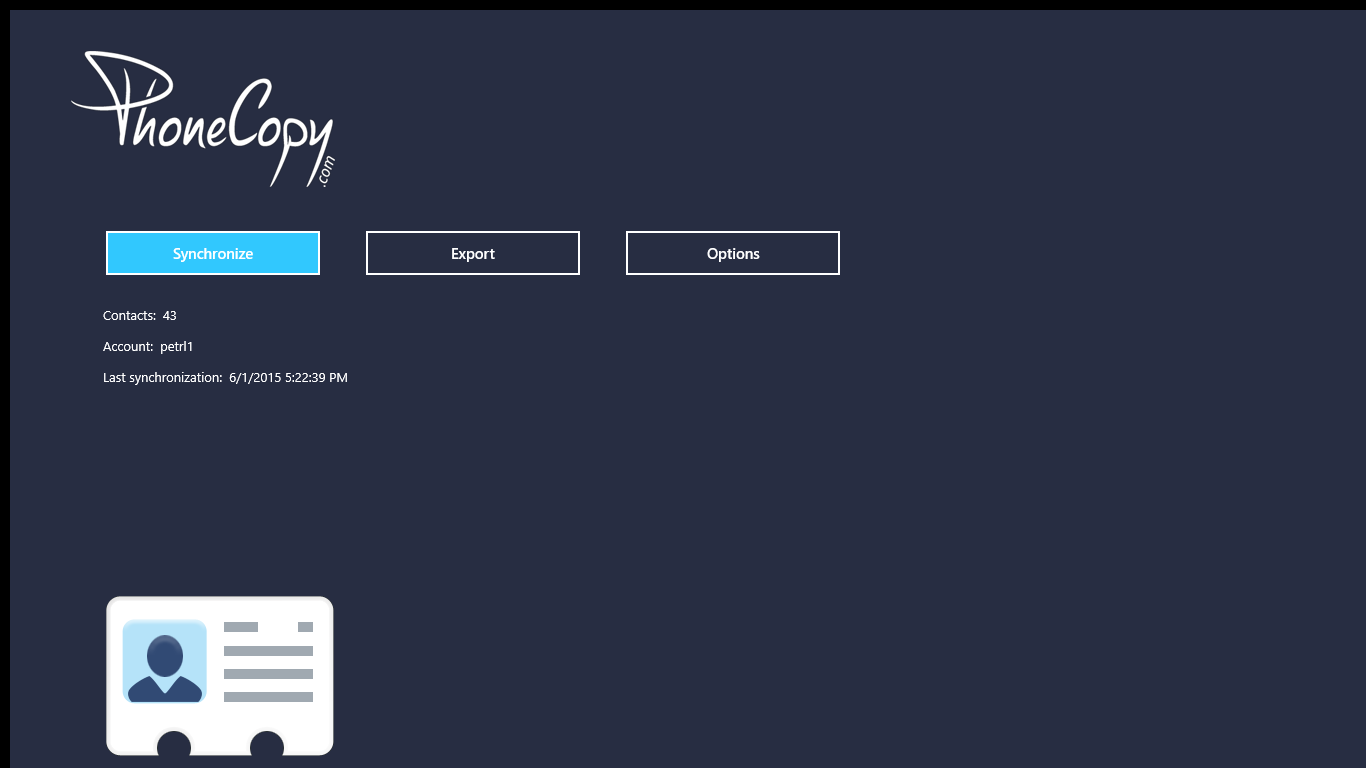
You can see page with information about your synchronization.
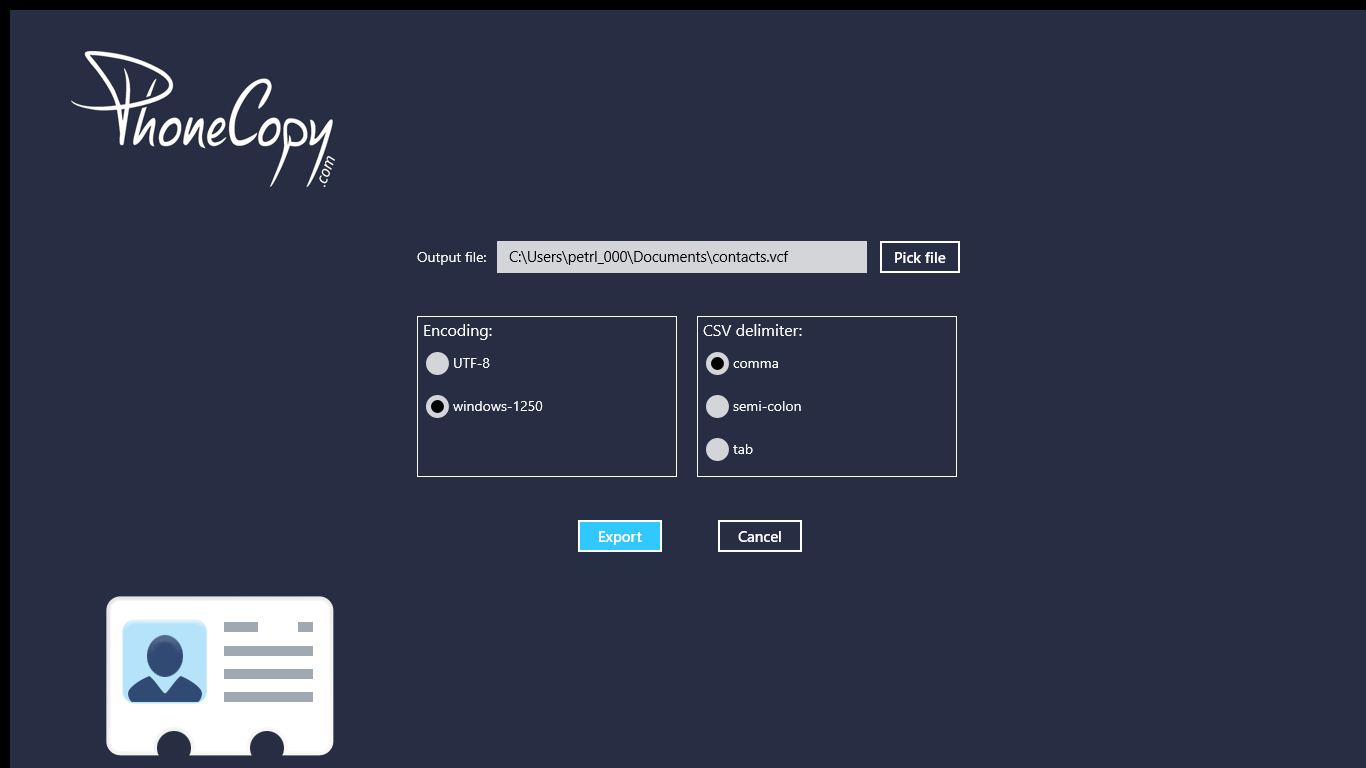
From now on, your contacts are protected. If anything happens to your Nokia Lumia 2520, simply log into PhoneCopy to access or restore your data instantly.
Some additional tips:
Contacts can be then transferred to another device (eq. iPhone, Nokia, SonyEricsson, Samsung, LG etc). See PhoneCopy site for supported devices.