

How to backup contacts, calendar and tasks from Microsoft Lumia 640 XL LTE
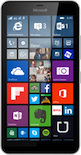
PhoneCopy.com is a web service which is free for personal purposes (with few limitations). This tutorial will show you how to backup your data from Microsoft Lumia 640 XL LTE. The whole process can be completed in few minutes.
Download the PhoneCopy application from windowsphone.com. If you do not have a PhoneCopy account yet, press "Register new account" and create it by filling in "Registration" and then press "Sign up".
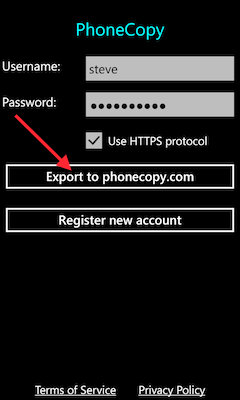
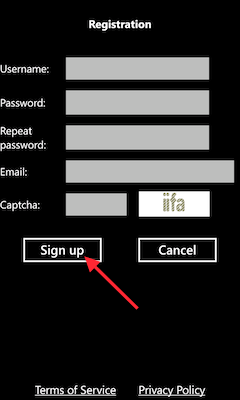
If you already have a PhoneCopy account, fill in your username and password. To export your contacts, press "Export to PhoneCopy.com". If you want to upload your merged contacts back to the same Windows Phone 8.1, it is necessary to delete all contacts there first.
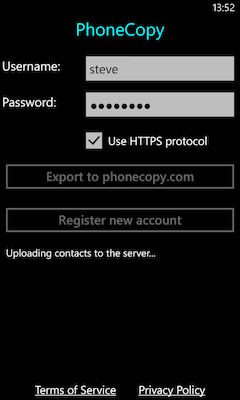
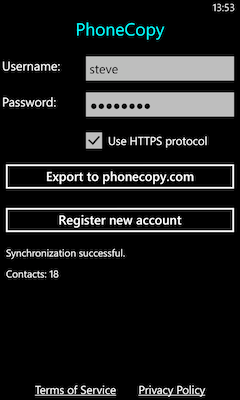
Your backup is now complete. Visit the PhoneCopy website to confirm that all your contacts were transferred correctly and to explore the other features your account offers.
Some additional tips:
Contacts can be then transferred to another device (eq. iPhone, Nokia, SonyEricsson, Samsung, LG etc). See PhoneCopy site for supported devices.