

How to backup contacts and sms messages from Honor 9C (AKA-L29)
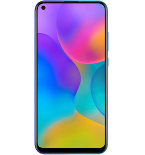
This step-by-step guide will help you back up your contacts from Honor 9C (AKA-L29) using PhoneCopy.com. The service works in the background and the whole process takes just a few minutes.
Download PhoneCopy for Huawei from Huawei AppGallery to your Huawei phone, which you can download free of charge. After downloading and installation, go through the following steps.
Run the app and create new account. If you already have an account choose "sign on".
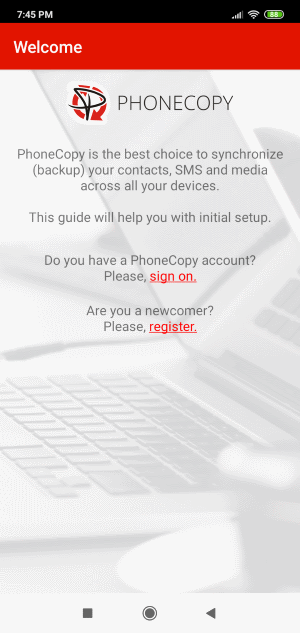
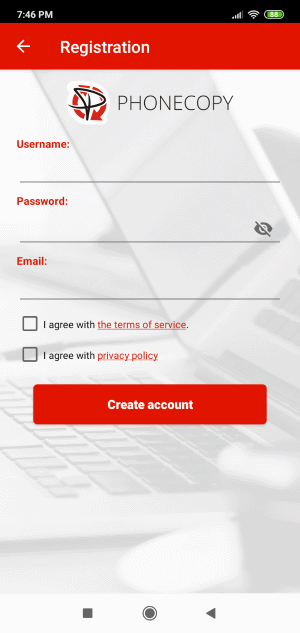
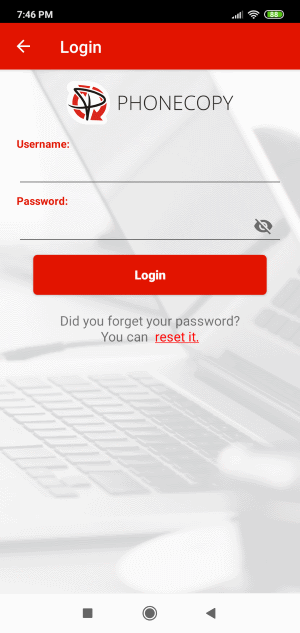
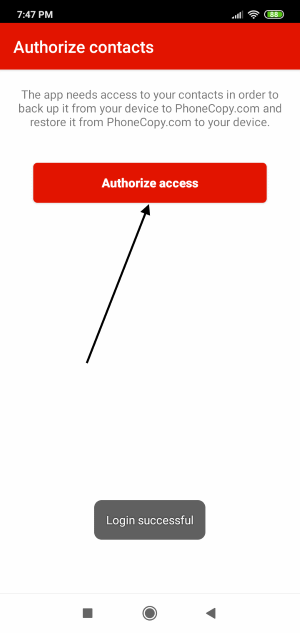
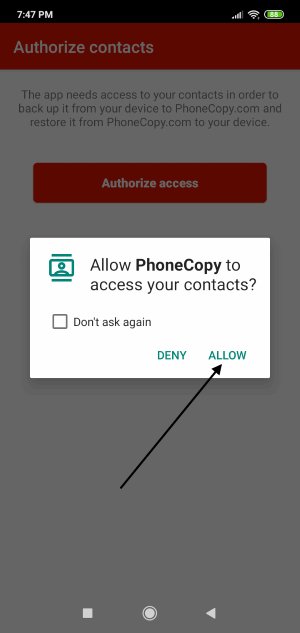
To allow correct functionality of PhoneCopy application we will kindly ask you to confirm access permissions for it.
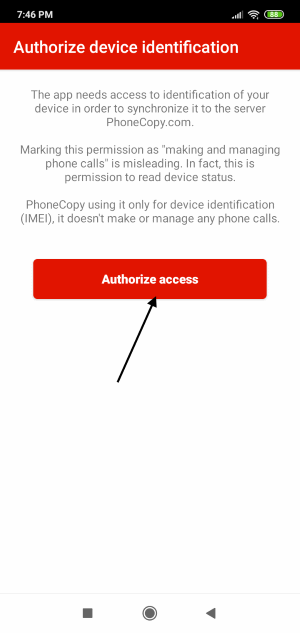
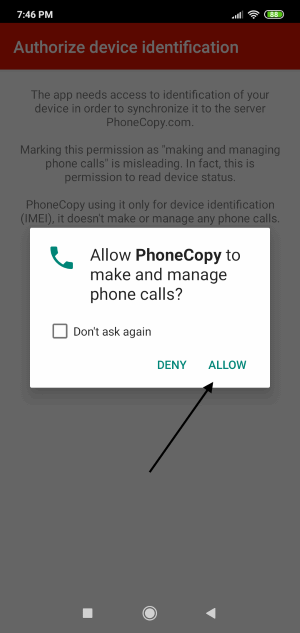
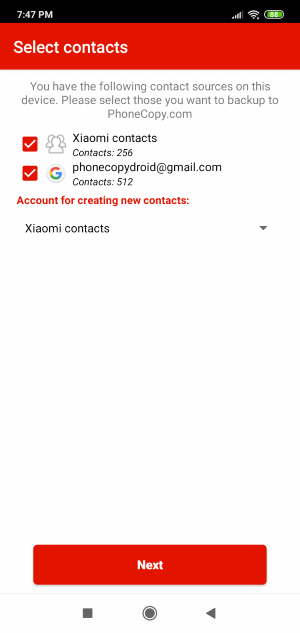
When you confirm access to contacts you can set which "contacts databases" you want to backup.
PhoneCopy allows to back up SMS too.
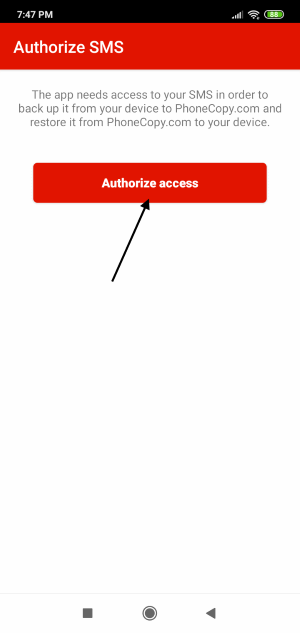
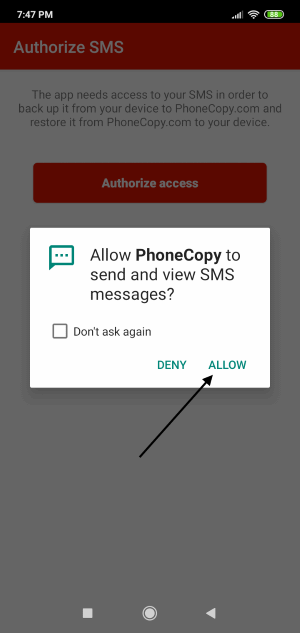
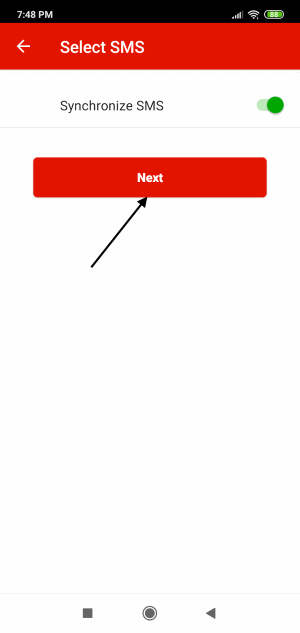
Then you can set up backup for media (photos and videos).
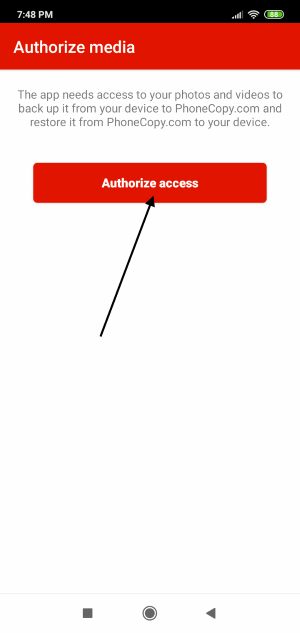
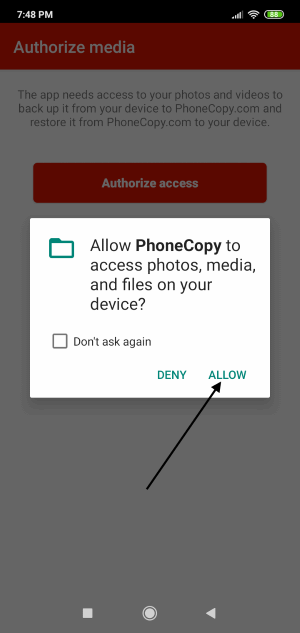
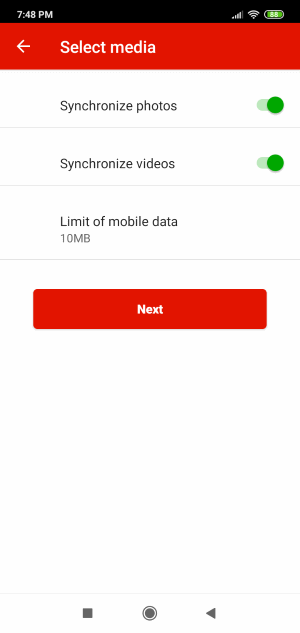
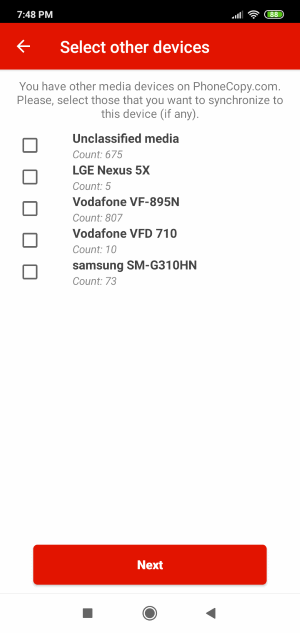
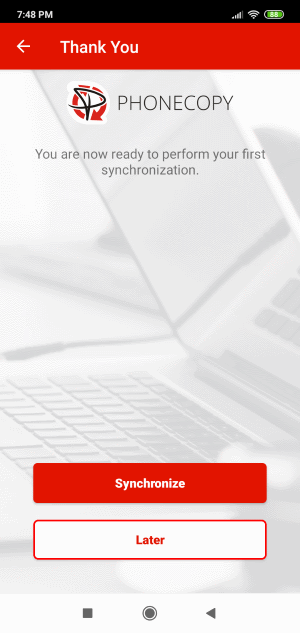
If you want download photos and videos from old phone (which was synchronized to PhoneCopy.com before) you can choose it in the next step. Then you can synchronize.
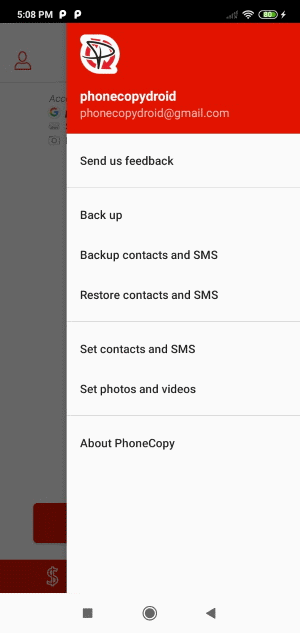
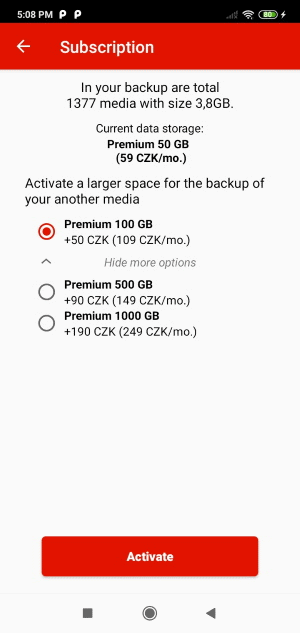
You can access all settings later by bottom menu of the application or by main menu. In case you exceed limits for a free account we recommend you to buy Premium
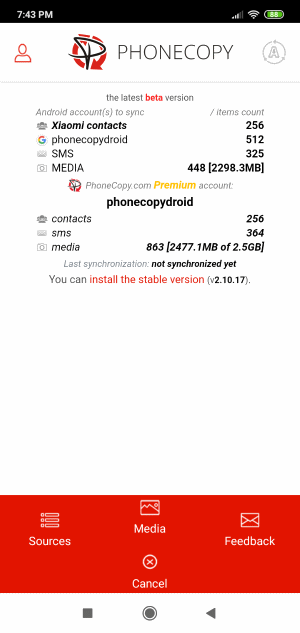
Well done — your contacts are now securely backed up in the cloud. Open your PhoneCopy account in any browser to review your data or make changes at any time.
Some additional tips:
Contacts can be then transferred to another device (eq. iPhone, other Nokia, SonyEricsson, Samsung, LG etc). You can always edit your contacts in your online account. Also, you will see full history of your contacts, as well as the data that you have deleted between two synchronizations.