

How to backup contacts from Geeksphone Keon
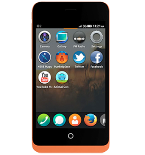
In our guideline we will introduce PhoneCopy.com service which supports many phones from almost all manufacturers, including Geeksphone Keon, and can be easily used to synchronize data between two or more devices.
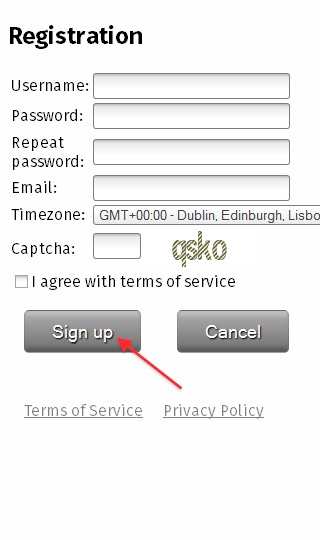
Download the PhoneCopy application from Firefox Marketplace. If you do not have a PhoneCopy account yet, press "Register new account" and create it by filling in "Registration" and then press "Sign up".
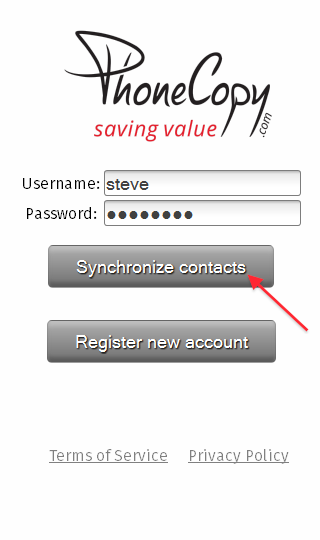
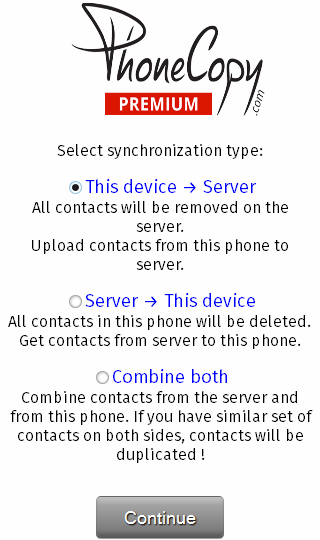
If you already have a PhoneCopy account, fill in your username and password. To export your contacts, press "Synchronize". Select synchronization direction.
Now you have all your contacts backed up on PhoneCopy and you can edit all your contacts in your online account. If you lose your phone or the stored data, or if you just run out of battery, you can see your contacts online.
Some additional tips:
The free PhoneCopy plan allows you to store up to 500 contacts, which is more than enough for most users. A premium plan is available if you need to sync more data or use advanced features.