

How to backup contacts, calendar and tasks from Cherry Mobile Alpha Luxe
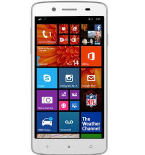
This step-by-step guide will help you back up your contacts from Cherry Mobile Alpha Luxe using PhoneCopy.com. The service works in the background and the whole process takes just a few minutes.
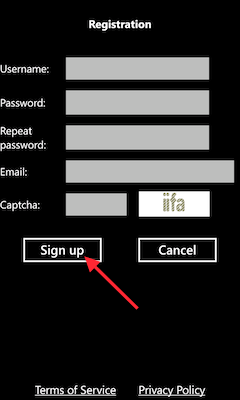
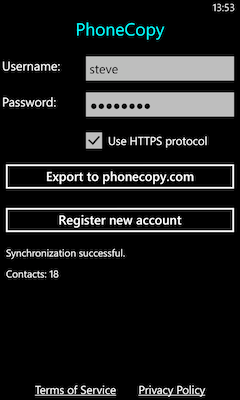
Download the PhoneCopy application from windowsphone.com. If you do not have a PhoneCopy account yet, press "Register new account" and create it by filling in "Registration" and then press "Sign up".
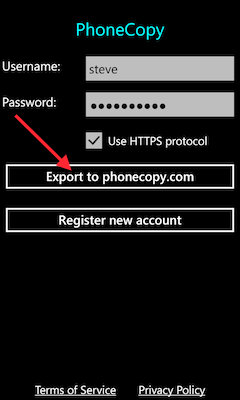
If you already have a PhoneCopy account, fill in your username and password. To export your contacts, press "Export to PhoneCopy.com". If you want to upload your merged contacts back to the same Windows Phone 8.1, it is necessary to delete all contacts there first.
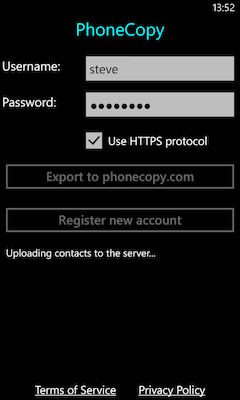
Now you can easily edit your contacts and other resources online in your PhoneCopy profile. You have access to your contact even if you forget your phone at home.
Some additional tips:
Just as a reminder, the contacts are transferred via your mobile phone service provider, so you need to have data plan activated for the service to work. If you don't have a special data scheme, your carrier will charge you additional fees.