

How to backup contacts and sms messages from BLU Magic D200
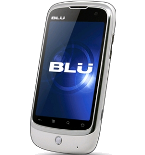
In our guideline we will introduce PhoneCopy.com service which supports many phones from almost all manufacturers, including BLU Magic D200, and can be easily used to synchronize data between two or more devices.
Download PhoneCopy for Android to your Android phone, which you can download free of charge. After downloading and installation, go through following steps.
Backup contacts and SMS from your Android
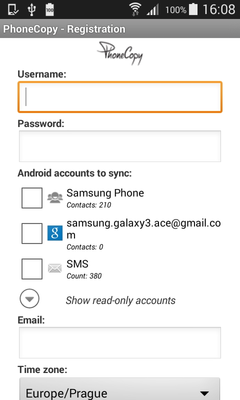
Run the app and create new account. You can check which contact databases you want to backup and synchronize. You can do multiple choice.
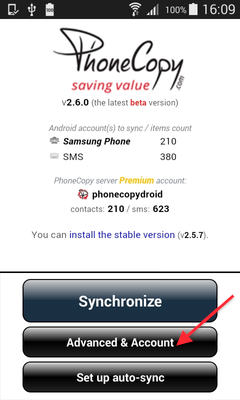
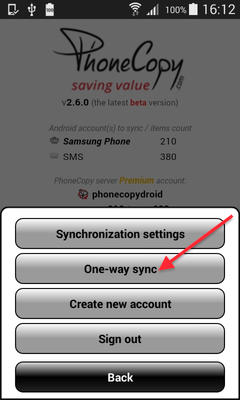
After successful login, press "Advanced & Account". Select "One-way sync" and after choose "This device >> server".
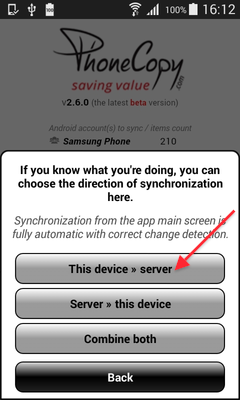
Contacts from your Android phone will be copied to PhoneCopy.com server in few seconds.
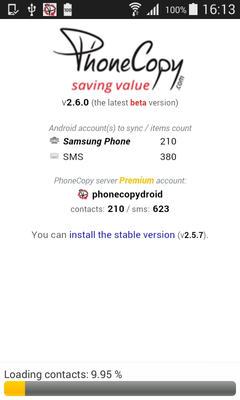
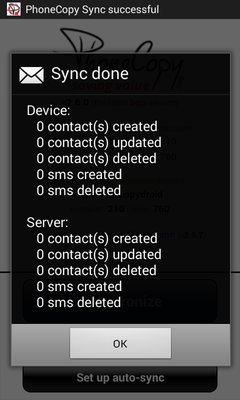
Well done — your contacts are now securely backed up in the cloud. Open your PhoneCopy account in any browser to review your data or make changes at any time.
Some additional tips:
You can easily remove duplicate items among your contact list or SMS messages. Just go to the Contacts (or SMS) section and choose More Actions -> Search for duplicates. Detailed wizard will help you to solve this kind of problem easily.