

How to backup contacts from BlackBerry Torch 9860
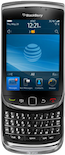
In our guideline we will introduce PhoneCopy.com service which supports many phones from almost all manufacturers, including BlackBerry Torch 9860, and can be easily used to synchronize data between two or more devices.
Backup contacts from your Blackberry Curve
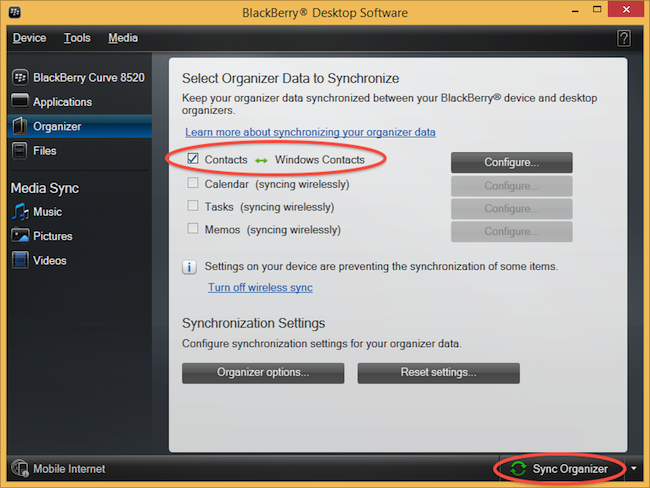
Instal BlackBerry Desktop Software and connect your phone with PC. Press "Organizer".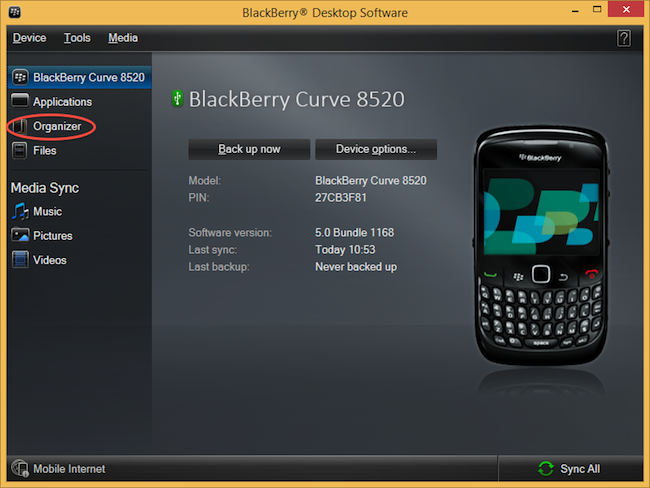
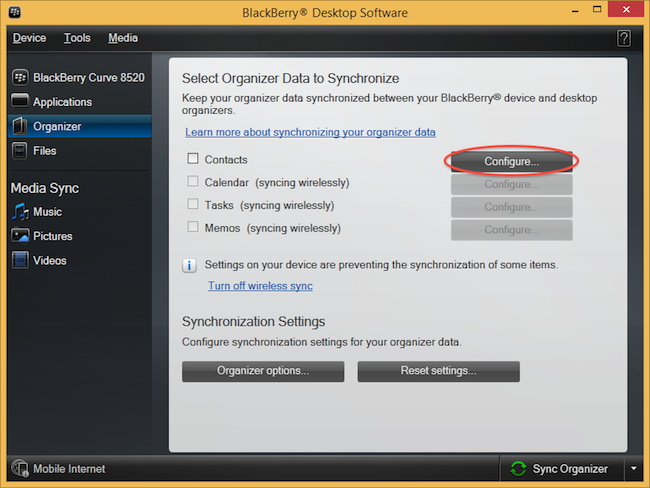
Select "Configure".
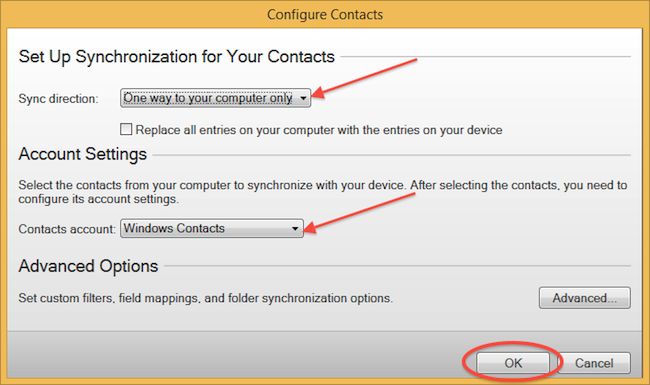
Open "Sync direction" menu and select "One way to your computer only". Open "Contacts account" menu, choose "Windows contacts" and press "OK".
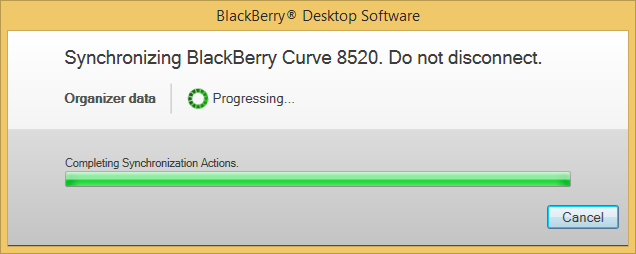
Mark "Contacts" and press "Sync Organizer".
Transfer Windows contacts to PhoneCopy using our PhoneCopy for Windows aplication.
Your contacts are now safely stored in your PhoneCopy account. You can view and manage them online at any time, even if your phone is lost, damaged, or simply out of reach.
Some additional tips:
The free PhoneCopy plan allows you to store up to 500 contacts, which is more than enough for most users. A premium plan is available if you need to sync more data or use advanced features.